See what's inside
What's included
- Utilization %, idle days and idle cost computed per asset
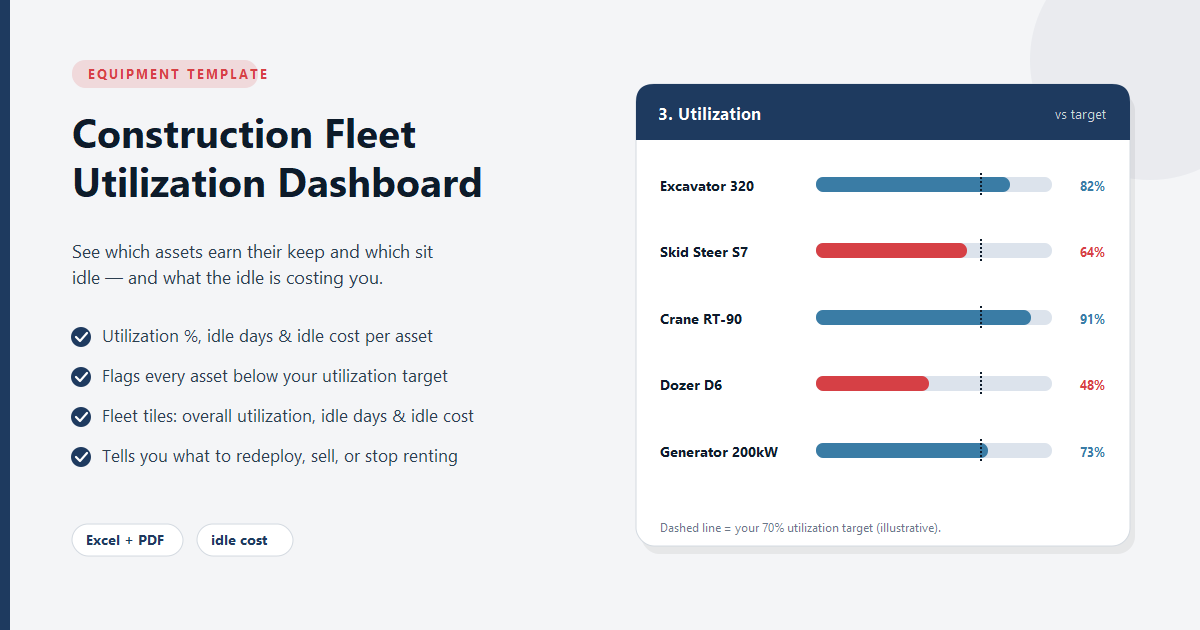
- Flags every asset below your utilization target
- Fleet tiles: overall utilization, total idle days and total idle cost
- Charts that make the underperformers obvious
- Compatible with Excel 2016+ and Google Sheets
Reporting Templates
Construction Fleet Utilization Dashboard
The Construction Fleet Utilization Dashboard turns your assignment log into a per-asset utilization picture: enter each machine, its available days, and its assigned days for the period, and the workbook computes utilization %, idle-day count, and an estimated idle cost per asset from a day-rate you set yourself. It ships with a Settings sheet where you fix the As-of date and an adjustable asset-class list, a working entry sheet, a Dashboard that ranks assets from most to least idle, and a Reference & Glossary tab. Every figure is your own — the workbook contains no utilization benchmark, no industry idle rate, and no assumed day-rate, because no trustworthy public number for those exists. What you put in is the only thing it computes on.
Instant download · all sales final. Refund policy
What's included
- Utilization %, idle days and idle cost computed per asset
- Flags every asset below your utilization target
- Fleet tiles: overall utilization, total idle days and total idle cost
- Charts that make the underperformers obvious
- Compatible with Excel 2016+ and Google Sheets
Ready for real-time conflict detection?
Equipment Scheduler Pro catches double-bookings before they happen — with a drag-and-drop Gantt calendar and operator scheduling included.
See plans starting at $199/mo →